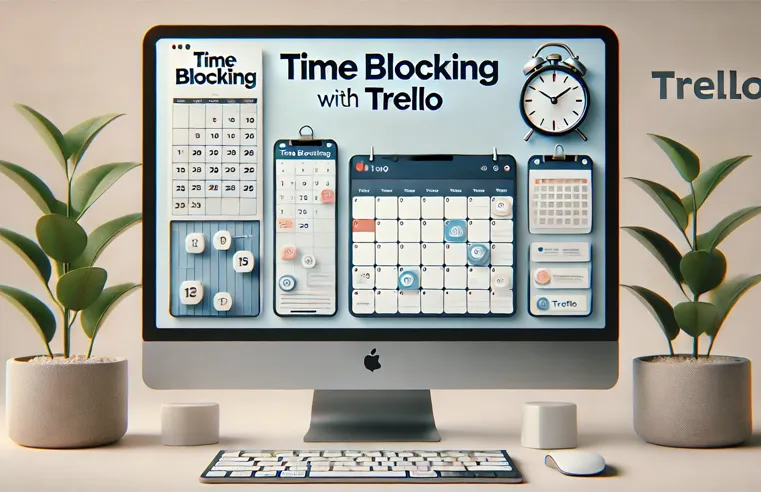
Time blocking is a simple but powerful method for improving productivity by dividing your day into focused time segments dedicated to specific tasks. When paired with Trello, a popular task management tool, time blocking can help streamline your workflow and ensure you focus on what matters most. Here’s how to implement it:
Set Up Your Trello Board for Time Blocking Start by creating a new Trello board specifically for time blocking. Create lists such as “Morning,” “Afternoon,” and “Evening,” or categorize your tasks by work blocks like “Deep Work,” “Admin Tasks,” and “Breaks.” This visual layout will help you see your day at a glance.
Create Specific Time Blocks Assign specific times to each block. For example, you might set “9:00 AM – 11:00 AM” as a deep work block for high-focus tasks. Drag and drop cards under the appropriate time block to map out your day.
Use Trello’s Calendar Power-Up Trello’s Calendar Power-Up is essential for time blocking. It allows you to see tasks in a calendar format, which gives you a bird’s-eye view of your week. This ensures your time blocks are balanced and manageable. Get Trello’s Calendar Power-Up.
Set Reminders with Due Dates To stay on track, set reminders for each task by adding due dates on Trello cards. When your time block begins, you’ll receive a notification, keeping you accountable for sticking to your schedule.
Review and Adjust At the end of the day, review your Trello board. Did you accomplish what you planned? If not, move incomplete tasks to the next appropriate time block. This constant feedback loop helps fine-tune your time blocking system.
By leveraging Trello with time blocking, you can take control of your schedule, reduce distractions, and improve your overall productivity.